Laptop or MacBook won't turn on?
What to check when a laptop or MacBook shows no sign of life, what to do straight after a spill, and how we repair it.
The short answer
A laptop that won't turn on usually has a charger or power fault, a failed battery, a display fault (it is on but dark), or a fault on the logic board. Check the charger and try a power reset first. After a liquid spill, leave it off and bring it in.
Symptoms
- No lights, fan or sound at all
- Charger light is off, or the battery won't charge
- Fan or keyboard lights come on but the screen stays black
- Turns on for a few seconds, then off
- Stopped working after liquid was spilled on it
Safe checks to try first
- Try a different outlet and, if you can, a known-good charger of the correct wattage.
- Unplug all accessories and external drives.
- Hold the power button for 10 seconds, release, then press it once.
- Listen for a fan or startup sound, and try an external monitor. If it shows a picture, the laptop's own screen is the fault.
After a spill
- Turn it off and unplug it straight away.
- Do not turn it on to see if it still works.
- Do not use a hair dryer or other heat.
- Bring it in as soon as you can. Corrosion keeps spreading while liquid residue sits on the board.
How we diagnose it
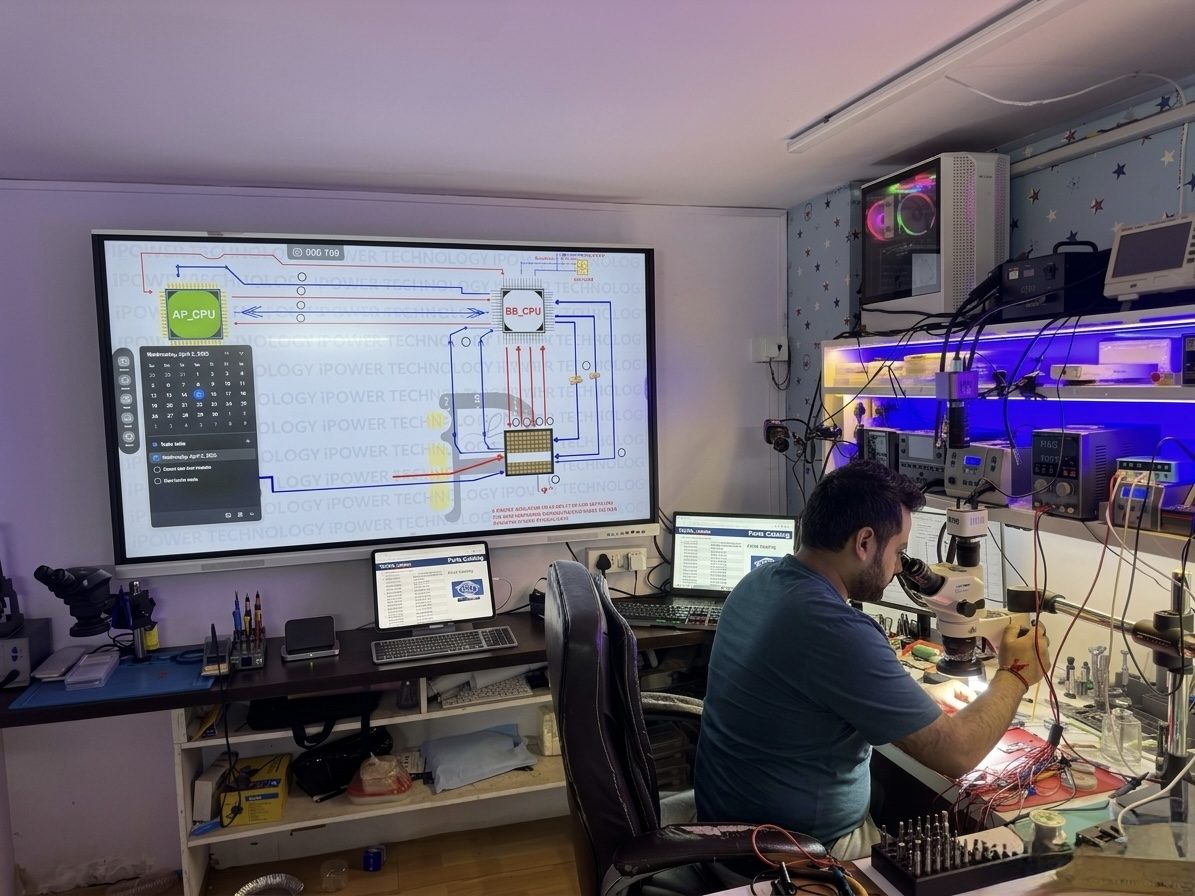
We test the charger and charging port, measure the current the laptop draws, test the display, and inspect the logic board under a microscope for failed components and liquid damage.
Repair options
- MacBook battery and screen replacement
- Charging faults
- Liquid damage cleaning and board repair
- Logic board repair by micro soldering, usually 1 to 5 days
See MacBook & laptop repair for the full list.
When repair may not be worth it
On an older laptop, a board repair can cost more than the machine is worth, and heavy corrosion can make a lasting repair unlikely. If the files matter more than the laptop, ask about data recovery. On many recent MacBooks the storage is part of the logic board, so recovering files depends on getting the board working.
Questions and answers
My laptop was working yesterday and is now completely dead. What is the most likely cause?
A failed charger or a power fault on the board. Testing with a known-good charger is the quickest way to tell.
The power light is on but the screen is black. Is the laptop broken?
Not necessarily. An external monitor test shows whether it is the screen or the board.
I spilled water on my laptop and it still works. Do I need to do anything?
Yes. Damage from a spill often shows up days later as corrosion spreads. It is worth having it opened and cleaned.
What does laptop repair cost?
You get a quote before any work starts, with a choice of basic, premium or OEM parts where available. Diagnosis is no fix, no fee, and every repair carries a 3-month warranty.
Other repairs
Phone repair near you in Surrey
Close to Guildford and Fleetwood, a short drive from Whalley, Newton, Cloverdale, Delta, White Rock, Langley, New Westminster and Coquitlam. Walk in any day from 8 am to 10 pm. Use the side door on the left side of the building. Free parking on site and on the street.
- Address
- 9622 152B Street
Surrey, BC V3R 8P5 - Phone and text
- 604-614-8513
- Hours
- Every day, 8 am to 10 pmOpen now
- Find us on
- Google Maps, Yelp